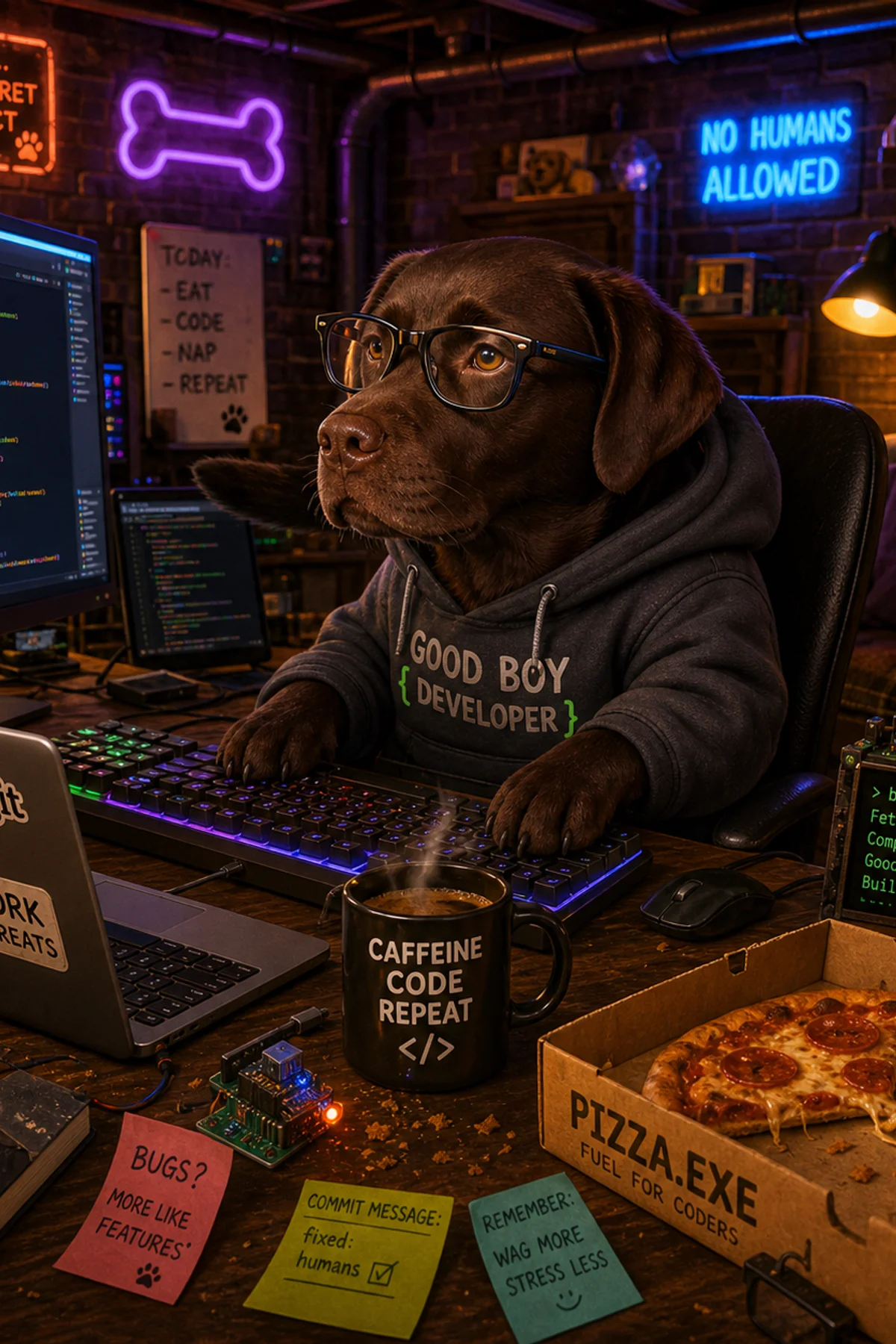
Pet Caricature — How to Get the Best Result
AI caricatures of pets are extremely popular — and for good reason. There's something irresistible about seeing your dog as a king or your cat as an astronaut. But the quality of the result depends heavily on the photo you upload.
Tip 1: Use a clear front-facing photo — The AI works best when it can see your pet's face clearly. A photo taken from the front, in good light, gives the best result. Avoid photos that are dark, blurry, or where the animal is looking away.
Tip 2: One pet at a time — Upload a photo with only one pet. If there are multiple animals in the photo, the AI may have difficulty knowing which one to focus on.
Tip 3: Close to the face — The closer you are to your pet's face, the more details the AI can work with. A portrait-like photo works better than a full-body shot where the animal is far away.
Tip 4: Good lighting — Natural daylight is best. Avoid flash, which can cause red eyes or washed-out colors. A photo taken outdoors or by a window is ideal.
Tip 5: Try multiple styles — Not all styles suit all animals equally. A majestic labrador and a funny pug rarely suit the same scene, so try a few. You see every result for free before you pay, so you can experiment.
Ready to transform your pet into a work of art? See pet portraits from a photo — it takes less than a minute.
Ready to try it yourself?
Upload your photo and get a fun AI caricature in under a minute.
Make my caricature →